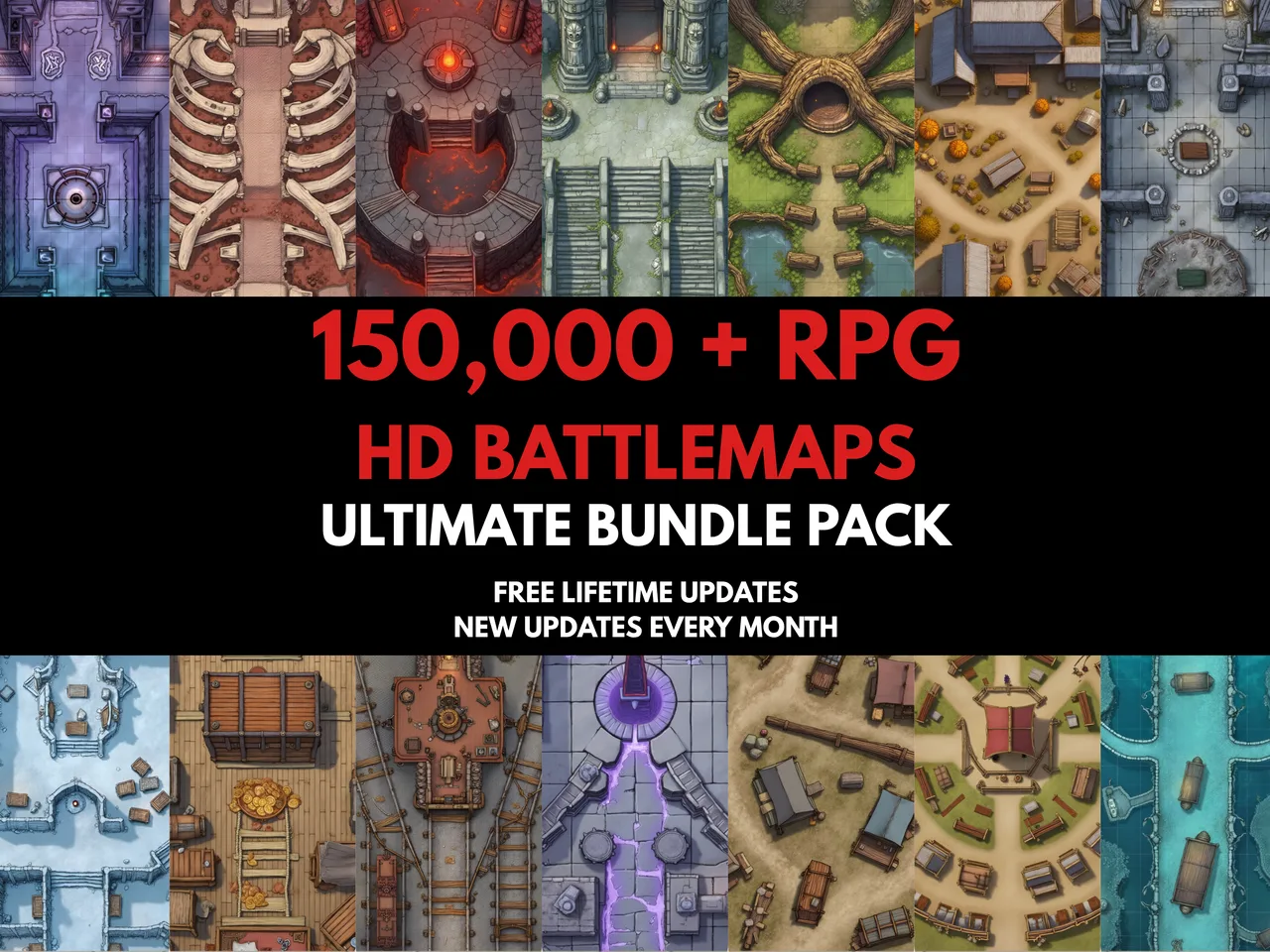
Most battlemaps ship as individual rooms. A single cavern, one tavern floor, a corridor segment. That works for simple encounters, but the moment your party pushes through a door into the next chamber, you need a way to show them the bigger picture. Map stitching solves this by tiling separate images into one continuous canvas that you can drop straight into your VTT or print on a single sheet.
Why stitch instead of placing maps side by side?
Virtual tabletops like Roll20, Foundry VTT, and Owlbear Rodeo treat each image as a separate scene. If you want a dungeon that spans five rooms, you either need a single image that covers the entire layout or you need to switch scenes every time the party moves. Scene-switching breaks immersion and costs table time. A stitched map keeps everything on one canvas so the fog of war reveals naturally as the party explores.
Preparing tiles for clean stitching
The best results come from tiles that share the same pixel width and height. If your map pack includes 2000 by 2000 pixel rooms, every cell in the grid will align perfectly. Mixed sizes still work because the stitcher scales each tile to fill its cell, but you may notice slight softening on the upscaled tiles. If you are buying or making maps specifically for stitching, standardise on a single resolution.
Choosing the right grid layout
A 2x1 grid is the natural fit for a corridor connecting two rooms. A 2x2 works for a four-room dungeon floor with a central hub. A 3x2 or 3x3 suits larger complexes like a temple or underground fortress. You do not need to fill every cell. Empty cells render as the gap background colour, which means you can leave cells blank to represent walls, outdoor space, or areas the party has not yet discovered.
Using gaps as dungeon walls
Setting the gap to a few pixels and the background to black creates the effect of thick dungeon walls between rooms. This is a practical technique for maps that were not drawn with connecting corridors. The gap acts as a visual separator that reads naturally at the table. Grey gaps work well for stone walls, while white gaps suit printable maps that will be cut out.
Export and VTT import
The stitcher exports at the full combined resolution of your tiles, so a 2x2 grid of 2000-pixel tiles produces a 4000 by 4000 pixel output (plus any gap pixels). This is large enough for high-detail VTT use and sharp enough for tabloid printing. Most VTTs accept PNG directly. If the file is too large for upload, reduce your source tile resolution before stitching rather than compressing the final PNG.
Privacy and performance
Everything happens in your browser. Images are loaded into memory, composited on an HTML5 canvas, and exported as a PNG data URL. No files are uploaded to any server, no data leaves your machine, and closing the tab clears everything. The only limit is your browser's canvas size cap, which is typically around 8000 by 8000 pixels on modern hardware.