The point of a random generator is not to replace prep, it is to remove the blank page. Every dungeon this tool produces is playable as-is for a one-shot, and editable in five minutes for a session that fits your campaign.
How the layout works
Rooms are placed using binary space partitioning, the same algorithm that has powered roguelike dungeons since NetHack. The grid is recursively split until the leaves are too small to split further, then a room is placed inside each viable leaf. Higher density on the slider means smaller leaves, more rooms, tighter corridors. Lower density gives you a few large halls connected by long passages.
Corridors are L-shaped, drawn along the edges of a minimum spanning tree over the rooms, every room is reachable from every other, but the dungeon does not feel like a tree. About 20% of extra short edges are added back to create loops, which is what makes the layout feel like an explored space rather than a linear crawl.
Multi-floor dungeons run the algorithm independently for each floor and pair stairs across adjacent floors by picking the closest room centres. The result reads as vertically aligned without being mechanical about it.
How encounters are balanced
Every encounter targets the official 5e Dungeon Master's Guide XP threshold for your party level and size. The stocker rolls a difficulty per room, easy 35%, medium 35%, hard 20%, deadly 10%, then assembles a group greedily from the theme's tagged monster pool. The encounter multiplier is applied (×1.5 for two monsters, ×2 for three to six, and so on), so the displayed XP is the actual adjusted XP the DMG tells you to compare against the threshold.
Boss rooms are forced, they sit at the deepest point of the dungeon and pull from the boss-tagged monsters in the active theme, ceilinged at roughly 1.5× the deadly threshold to keep the fight survivable for a party that has burned through resources getting there.
Using the maps in Roll20 or Foundry
The PNG export is at 70 pixels per cell, Roll20's default, also fine for Foundry. Drop it into a scene and the grid lines up automatically. For Foundry users, the dedicated VTT export produces a v12 scene JSON with walls (including secret and locked door types), doors that animate correctly, and a note pinned in every stocked room with the encounter or trap details. Drag and drop into your world and the dungeon is ready to run.
Print and play
The PDF export targets one inch per cell at A4. Larger dungeons split across multiple pages with a quarter-inch overlap and corner registration marks, so taping the sheets together gives you a clean continuous map. The final page is the room key, paginated as needed. Bring it to the table, mark progress with a pencil, recycle when the session ends.
What it does not do
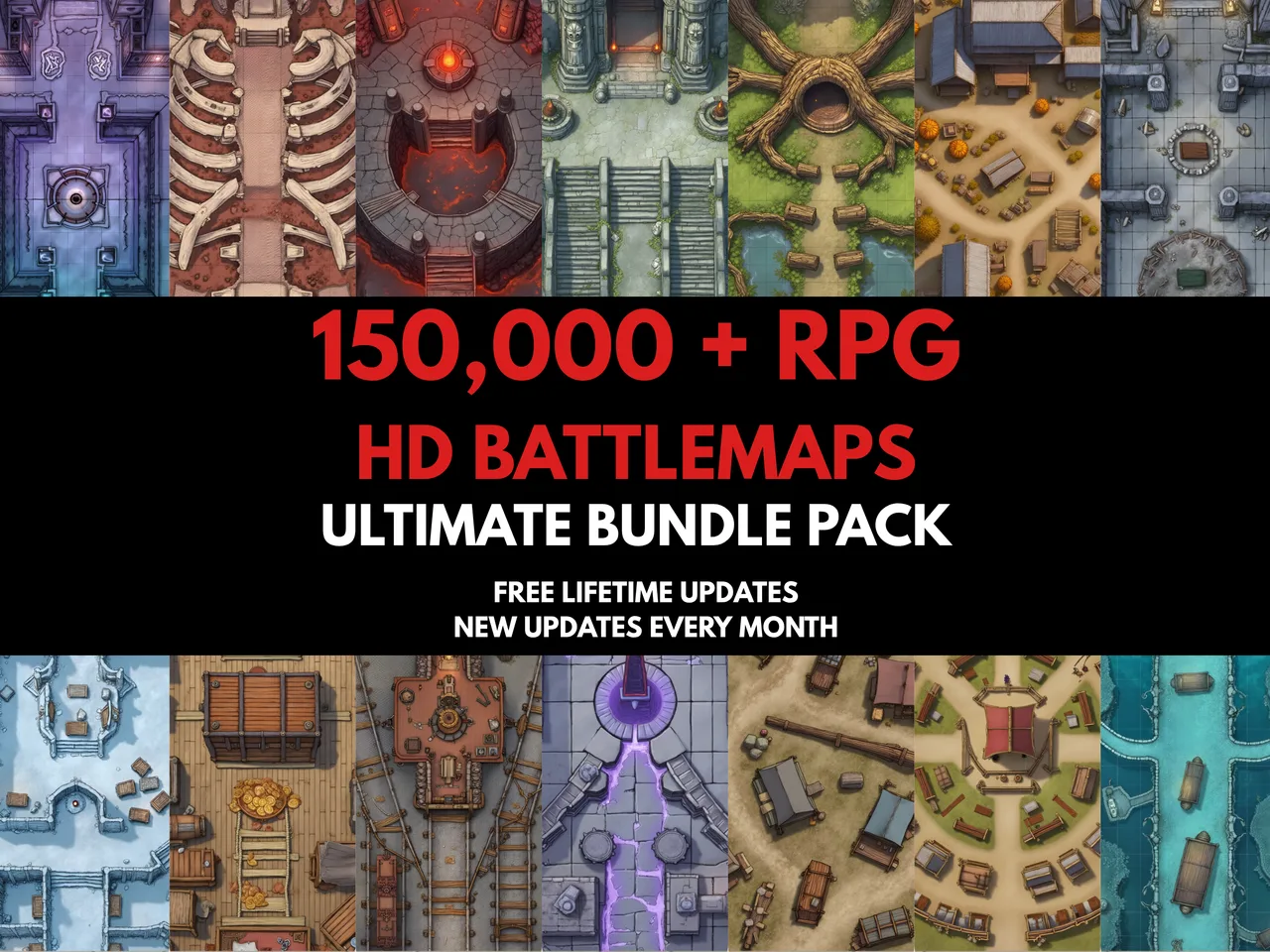
It does not draw. The output is a clean schematic, useful for planning, fine for one-shots, but never as evocative as a hand-painted battlemap. If you want art at the table, the layout this tool gives you can guide which MakeMythic battlemaps you reach for. The generator finds the bones of the encounter; the art makes the players gasp when the curtain pulls back.