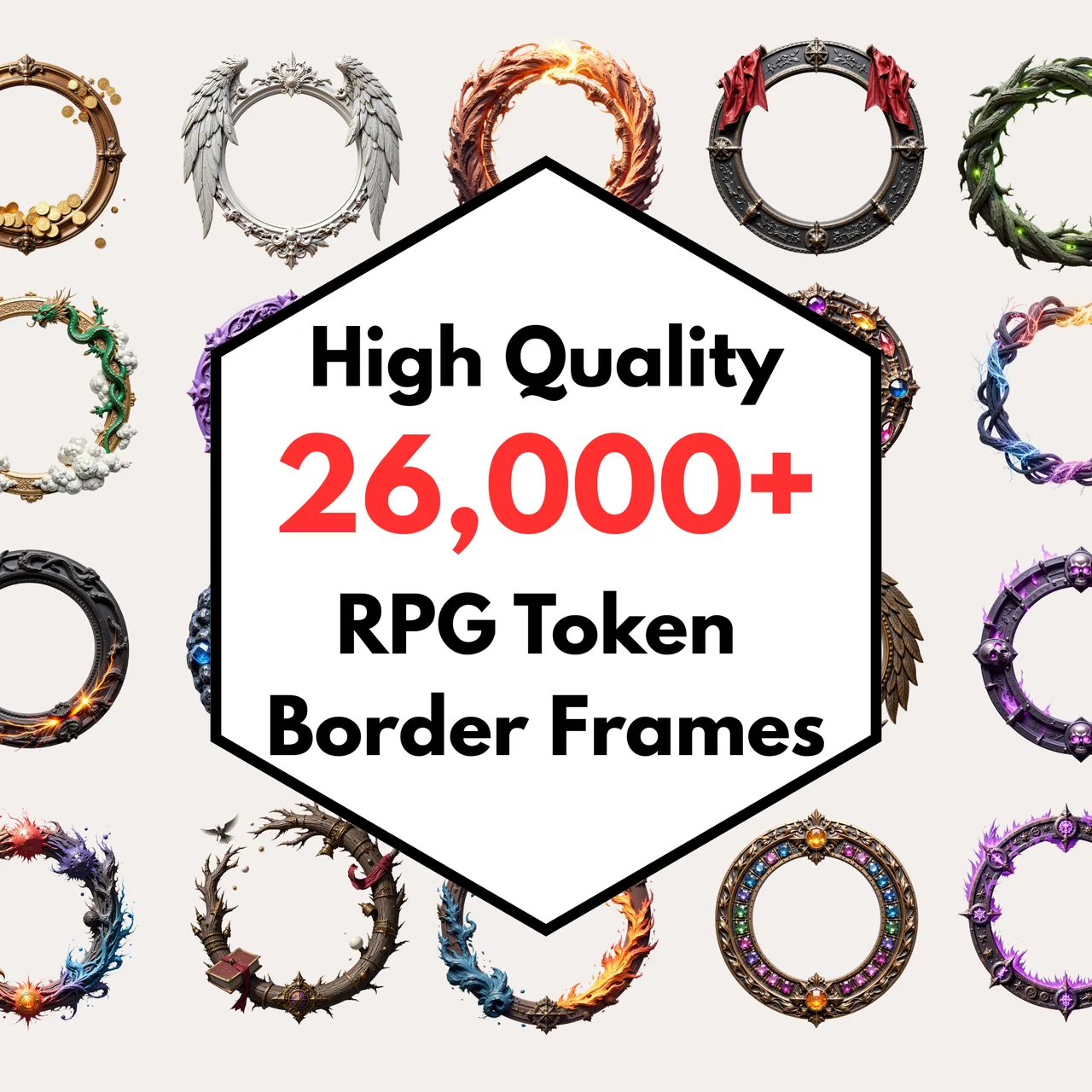

A token is the small circular image that represents a creature on a virtual tabletop grid. It sounds trivial until you try to make one that looks right at 70 pixels wide, sits flush against the grid lines, and does not have a white rectangle behind it ruining the mood of your carefully lit dungeon map.
This tool solves the three problems that make token creation annoying: cropping to a circle with real transparency, sizing to VTT-specific pixel counts, and adding a coloured ring that distinguishes player characters from NPCs at a glance.
Why circular tokens
The convention comes from tabletop miniature bases, which are round. Virtual tabletops inherited this standard because a circle inscribed in a square grid cell leaves the grid lines visible at the corners, making it easier to count movement. Roll20, Foundry VTT, Owlbear Rodeo, and Shmeppy all default to circular token presentation. Some systems support square or hex tokens, but circular is the safest universal format.
Token sizes for each platform
Roll20 renders tokens at 70 pixels per grid square at default zoom. A 1x1 creature token should be 70px to 280px wide. 280px gives you 4x resolution, which looks sharp even when a player zooms in on their character sheet. For Foundry VTT, the default grid is 100px per square, so 200px to 400px tokens work well. The 280px preset in this tool splits the difference and looks clean on both platforms.
For large creatures that occupy a 2x2 space, double the dimension. A 560px token covers four squares at Roll20 resolution. The presets here (140, 280, 560) correspond to small, medium, and large creature sizes at 4x Roll20 scale.
Ring colour conventions
There is no formal standard, but most tables settle on a convention quickly. A common pattern: gold or terracotta for player characters, blue for friendly NPCs, green for neutral creatures, red for hostile monsters. The ring colour is the fastest visual signal on a crowded map. Five swatches here cover the most common needs. If your table uses a different scheme, the slider lets you drop to zero thickness and skip the ring entirely.
Solid versus double borders
Solid rings are the most common token style and read well at small sizes. The double border adds a thin inner gap that gives the token a more polished, embossed look at larger resolutions. It is purely cosmetic. At 140px, the difference is barely visible. At 560px, it adds a subtle quality bump. None removes the ring entirely for cases where you want a clean circular crop with no frame.
Source images
The tool accepts any PNG, JPG, or WEBP file up to 10 MB. For best results, start with a square or near-square portrait where the face is roughly centred. Character art from HeroForge screenshots, AI portrait generators, or commissioned art all work. The drag-to-reposition and scroll-to-zoom controls let you frame the face within the circle after upload, so the source image does not need to be perfectly pre-cropped.
Export and transparency
The download button exports a PNG with full alpha transparency outside the circle. This means the token will composite cleanly over any map without a background colour showing through. The file name includes the token size for easy organisation. All rendering happens in your browser. The image is never sent to a server. Close the tab and the data is gone.