How to make D&D tokens for Roll20 and Foundry
How to make D&D tokens for Roll20 and Foundry: the right sizes, borders, export settings, and a fast free workflow to turn any art into a clean VTT token.
A good D&D token is just a piece of character art, cropped to a circle, wrapped in a border, and exported as a transparent PNG at the right size. Done well, it makes your virtual tabletop readable at a glance — players instantly tell allies from enemies and know how big each creature is. Done badly, you get blurry squares with white corners that make the map look broken. This guide covers the sizes that matter, how borders work, the export settings for Roll20 and Foundry, and a fast free workflow that turns any art into a clean token in under a minute.
Get the token size right
Two different “sizes” matter, and people mix them up.
Pixel size (image resolution). Make your token image around 400 by 400 pixels as a baseline. Foundry treats 400px as standard, and Roll20 downscales it cleanly to its 280px grid square. Going much smaller makes tokens blurry when players zoom in; going much larger just adds file size without visible benefit at the table.
Grid size (how many squares it covers). This follows the creature’s size category. A Medium creature fills one square. A Large creature covers two by two, a Huge creature three by three, and a Gargantuan four by four. Most VTTs let you set this per token so the art scales to the right footprint automatically. Getting it right matters because token footprint affects movement, reach, and how many enemies can surround a character.
Borders: why they matter more than you’d think
A border is the decorative ring around the token art, and it does real work beyond looking nice.
A consistent border across a whole set makes your tokens read as a cohesive group instead of a ransom note of mismatched art styles. More usefully, border colour is a fast visual code: green or blue frames for allies, red for enemies, gold for important NPCs. Players parse the battlefield in a glance without you announcing who’s who.
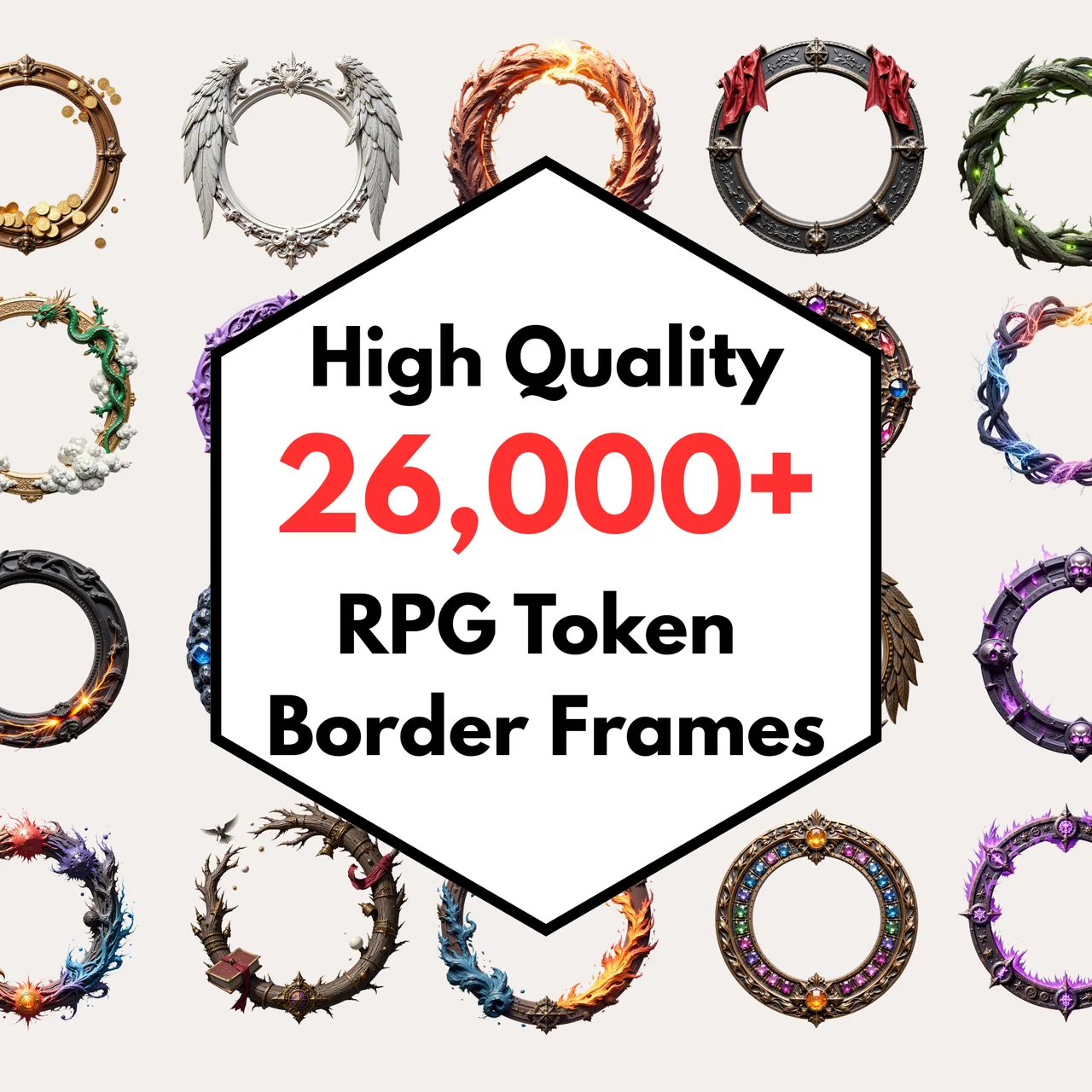
You can use the free default frames in most token makers, or a dedicated border pack if you want a large, matched set with a particular aesthetic — fantasy metalwork, simple rings, themed frames for different creature types.
Export settings for Roll20 and Foundry
The format is where tokens succeed or fail.
Use PNG with transparency. Circular tokens need a transparent background so the corners outside the circle show the map underneath, not a white box. Export as PNG, not JPG, because JPG can’t hold transparency and adds compression artefacts around edges.
Match the platform’s expectations. Roll20 accepts standard image uploads and snaps tokens to its grid; set the token’s size in squares after uploading. Foundry is more flexible and lets you set the exact grid footprint, elevation, and even animated tokens (WebM) if your art supports it. Both are happy with a 400px transparent PNG as a starting point.
Keep file sizes sane. A 400px PNG is small. If you’re importing hundreds of tokens, that restraint keeps your game loading fast, especially on Roll20’s free tier.
A fast free workflow
Here’s the whole process, start to finish, in about a minute per token:
- Find or choose art. A character portrait, a monster illustration, or your own drawing.
- Crop to a square around the face or body you want centred.
- Mask into a circle so the token is round with transparent corners.
- Add a border for cohesion and colour-coding.
- Export a transparent PNG at roughly 400 pixels.
Our free token maker does every one of these steps in the browser with no signup — upload art, frame it, export. From there, drop the file into Roll20 or Foundry and set its grid size to match the creature.
If you play in person, the same art works as a printable paper miniature instead, and you can show the battlefield on a screen with the tabletop display tool.
Build a token library, not one-offs
The DMs who never scramble for a token are the ones who built a small library ahead of time: a folder of common enemies, the party’s characters, and a handful of generic NPCs, all framed in a consistent style. When a fight starts, they drag from the folder instead of making a token mid-session.
A matched border set is what makes that library look intentional rather than scrapped together. Frame your recurring cast once, keep them in a folder, and your table reads cleanly every session. For the maps those tokens stand on, see our guide to running battlemaps on a TV or projector.
Free tokens to compare against. Before making a full set by hand, the 20 free monster tokens show you what consistent sizing and borders look like — useful as a reference for matching your own, and enough to run a session immediately.
Frequently asked questions
- How do I make a D&D token for Roll20 or Foundry?
- Crop a piece of character art to a square, mask it into a circle, add a border frame, and export it as a transparent PNG. A free token maker does all of this in the browser. Size it around 400 pixels so it stays sharp in Foundry and downscales cleanly to Roll20.
- What size should a VTT token be?
- Make tokens at roughly 400 by 400 pixels as a baseline. Foundry uses that as its standard and Roll20 downscales it cleanly to its 280-pixel grid. On the map, a Medium creature fills one square, a Large creature two by two, and a Huge creature three by three.
- Do D&D tokens need a transparent background?
- Yes, for circular tokens. Export as a PNG with a transparent background so the corners outside the circle show the map underneath rather than a white box. Square tokens can be opaque, but circular tokens with transparency look far cleaner on a battlemap.
- What's the difference between a token and a border?
- The token is the character art masked into a shape; the border or frame is the decorative ring around it. A consistent border across all your tokens makes a set look cohesive and helps players read the table at a glance, distinguishing allies, enemies, and NPCs by frame colour.
- Can I make D&D tokens for free?
- Yes. Free browser-based token makers crop, mask, frame, and export tokens with no signup. You only need a piece of art to start from. Paid border packs are optional and mainly buy you a larger, more consistent set of frames than the free defaults.
Keep reading
From the shop
Battlemaps, spell cards, and magic item cards, ready to print.
Browse MakeMythic on Etsy →