DnD battlemaps for Roll20 and Foundry: a guide
Buying battlemaps for Roll20 or Foundry VTT? A practical guide to resolution, grid alignment, file formats, and why bundles beat single-map purchases.
If you’ve spent any time running 5e on a virtual tabletop, you’ve already learned that finding the right battlemap takes longer than running the encounter. You search for “tavern”, get 200 results, half of them are AI-generated noise, the other half are at the wrong resolution or have a built-in grid that doesn’t line up with your VTT’s grid, and by the time you find one that works it’s an hour to game time.
The fix is a battlemap library. One bundle, properly formatted, covering enough scenarios that you stop searching and start choosing. Here’s what to look for and how to use what you buy.
What resolution do battlemaps need for VTTs?
The standard for VTTs is 70 pixels per square, often called “70 PPI” though that’s a slight misuse of the term. A standard combat scene of 30 × 30 squares at 70 ppi is 2100 × 2100 pixels, which is manageable. A larger scene of 50 × 50 is 3500 × 3500, getting heavier. A massive setpiece of 100 × 100 is 7000 × 7000, which is where Roll20’s free tier starts to struggle.
Some artists release maps at 140 ppi for higher zoom quality. This is genuinely useful if your players zoom in often, but the file sizes double. For most groups, 70 ppi is the right balance.
What you absolutely don’t want is maps that were rendered at 30 or 40 ppi and then upscaled. They’ll look fine at zoomed-out view and turn to mush the moment a player zooms to inspect the room.
When you’re evaluating a battlemap pack, check the resolution explicitly. A pack that says “high resolution” without specifying ppi is one to be cautious about.
Grid or no grid, and why no-grid wins
This is one of the more contested questions in the VTT scene, and the answer is genuinely “no grid, almost always.”
Roll20 and Foundry both let you overlay their own grid on top of any image. This is actually preferable to a baked-in grid for several reasons.
Alignment problems. A battlemap with a grid baked in must align perfectly with the VTT’s grid. If it’s even a few pixels off, you get the doubled-grid effect: your VTT’s grid sitting next to the artist’s grid, neither matching. This looks awful and is genuinely difficult to fix.
Player preference. Some groups prefer no visible grid for immersion. Others want a strong visible grid for tactical clarity. With a no-grid map, the DM toggles the VTT grid on or off depending on the table. With a baked-in grid, you’re stuck with the artist’s choice.
Theatre of the mind hybrid. Some scenes work better as imagery you describe over, with grid only enabled when combat starts. No-grid maps support this. Baked-grid maps fight you on it.
Resizing. If you need to scale a map up or down (more on this below), a baked-in grid breaks. The grid no longer corresponds to 5-foot squares. It’s now 5.7-foot squares, or 4.3-foot squares, and combat distances are wrong.
The only case where baked-in grids make sense is print, which is a separate use case. For VTTs, no-grid wins almost every time.
Importing battlemaps into Roll20
The basic Roll20 workflow is:
- Create a new page. Set the dimensions in units (squares). A 30 × 30 scene means 30 × 30 unit page.
- Upload your map image to your Library.
- Drag it onto the Map layer of the page.
- Use the alignment tool (right-click → Advanced → Align to Grid) to snap the map to the VTT’s grid.
- Verify by counting squares. If your map is 30 squares wide and the VTT shows 30 squares across the map, you’re aligned.
The alignment step is the one that trips up new DMs. Roll20’s alignment tool wants you to click two corners of a known grid square. That’s easy if your map has grid lines you can see, slightly trickier on a no-grid map. The fix is to use the map’s edge as a reference: if you know the map is exactly 30 squares wide, you can size it to 30 squares wide and the rest follows.
For dynamic lighting, Roll20 needs you to draw walls on the Dynamic Lighting layer. Some bundles include pre-made wall data; most don’t. Plan for the wall-drawing step if you want dynamic lighting.
Importing battlemaps into Foundry VTT
Foundry’s import is more flexible and more powerful.
- Create a new scene. Upload the image.
- In scene config, set the grid type and grid distance (default 5 ft).
- Use the grid configuration tool to align. Foundry shows you a sample grid overlay you can drag and resize until it matches the map.
- Save and you’re ready.
For walls, Foundry has the Wall Tool which lets you draw walls directly on the scene. Faster than Roll20’s equivalent. Some Foundry-targeted map packs include pre-made wall data as JSON files you can import, which is a real time-saver if your bundle supports it.
Foundry also supports universal VTT (.dd2vtt) files, which include map image + walls + lighting in one package. If a battlemap pack mentions “Foundry-ready” or “UVTT”, it usually means this. Worth looking out for.
How many maps does a campaign actually need?
Most published campaigns include 30 to 60 unique combat scenes. A homebrew campaign over the same length will have similar numbers, but you can’t predict which ones in advance. Players go off-rails, you improvise, you suddenly need a riverbank scene at 8pm on a Tuesday.
This is why bundles outperform single-map purchases. You’re not buying maps for the encounters you’ve planned. You’re buying maps for the encounters you’ll improvise.
A useful rule of thumb: for a year-long campaign, you want a library of at least 200 battlemaps. That sounds excessive until you realise that most encounters will pull from a small subset (you’ll have ten or fifteen “favourite” maps you reuse), but the library size is what gives you the option to find the right map quickly when you need something specific.
Why bundles beat buying maps one at a time
The economics of single-map purchases don’t work. Even at $3 per map, a 200-map library costs $600. A 200-map bundle costs $25 to $55.
There’s also a practical issue. Buying one map at a time means a DM searches, evaluates, buys, downloads, imports, every time they need a new scene. With a library, the DM searches their own folder. The friction drops to zero. You stop avoiding map-heavy sessions because the prep cost feels too high.
The downside of bundles is bloat, because most bundles include maps you’ll never use. That’s fine. The cost per map is so low that even if you only use 30% of the bundle, you’re still ahead. And the maps you don’t use this campaign might be the perfect fit for the next one.
The MakeMythic battlemap collection
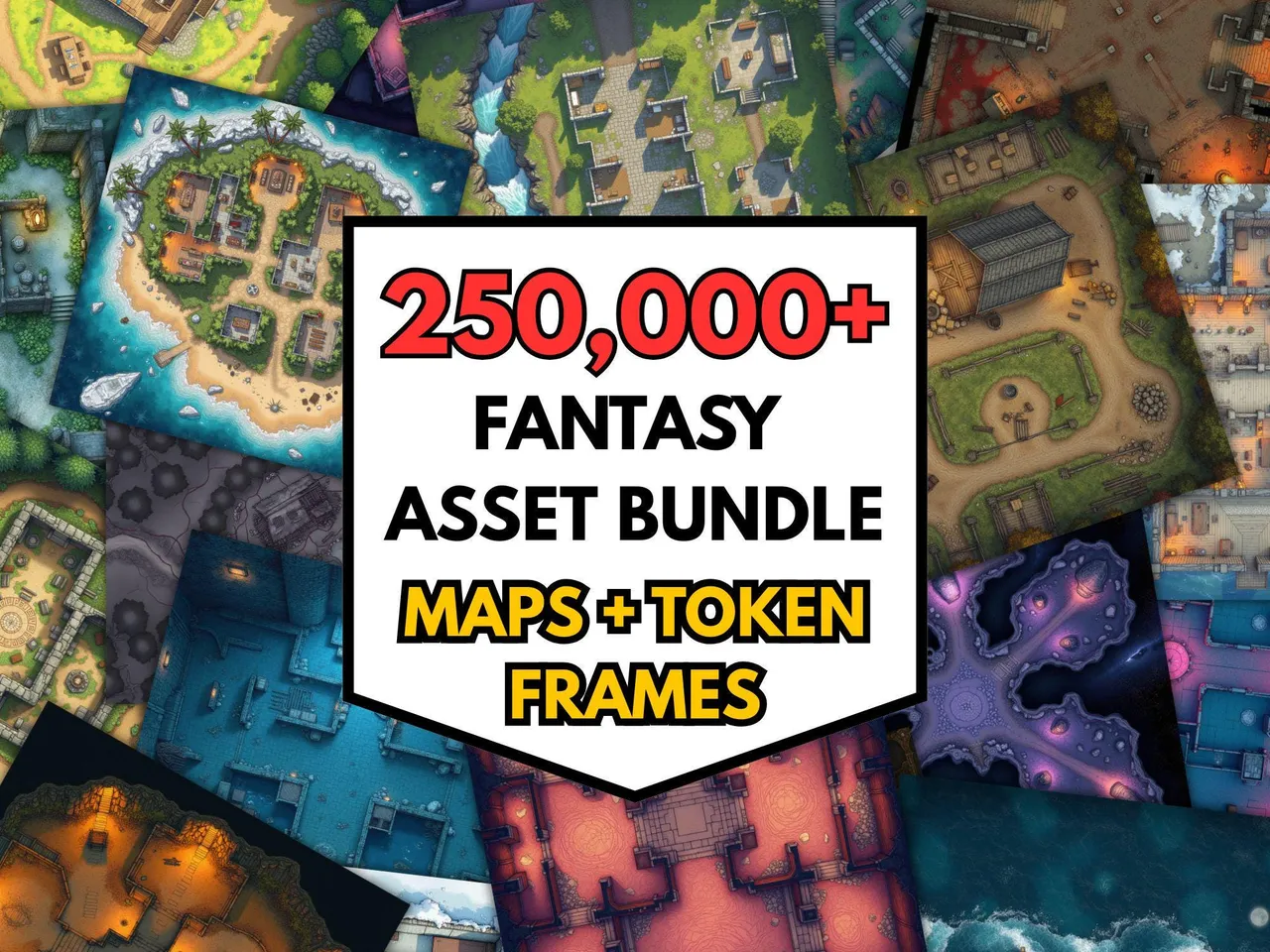
The 250k+ RPG Battlemaps Mega Bundle ($40 $12.00) is the “library at any cost” option. The scope is enormous: biomes from arctic to desert to underdark, urban scenes, dungeons, ships, taverns, ruins, planar landscapes. At under $30 for the full library, the per-map cost is essentially zero, and you’ll never have a “I don’t have a map for this” session again.
If your campaign leans heavily on dungeon crawls, the same bundle already covers that use case — corridors, chambers, traps, and boss rooms are all in there alongside every other biome. One library means you never have to buy a separate dungeon pack mid-campaign.
Both bundles are formatted for VTT use: high resolution, no baked-in grids, ready to import into Roll20 or Foundry without alignment headaches. They’re print-friendly too if you want to drop one in a print shop for in-person sessions.
Test the import workflow free. Before buying a library, run the upload-and-align process once with the 100 free battlemaps. If a map imports and grids correctly in your VTT, every other map from the same source will too.
Frequently asked questions
- What resolution do battlemaps need for Roll20 and Foundry VTT?
- The standard is 70 pixels per square. A 30×30 square scene at 70 ppi is 2100×2100 pixels. Some packs offer 140 ppi for sharper zoom quality. Avoid maps upscaled from lower resolutions, because they look fine at zoom-out but turn blurry when players zoom in.
- Should battlemaps have a grid for VTTs?
- No. Use gridless maps and overlay the VTT's own grid. Baked-in grids cause alignment problems if the map is even a few pixels off, can't be toggled for theatre-of-the-mind moments, and break when you resize the map.
- How do I import a battlemap into Roll20?
- Create a new page, set dimensions in squares, upload the map image, drag it to the Map layer, then use Advanced > Align to Grid. Click two corners of a known grid square to snap the map. Verify by counting squares across the map.
- How many battlemaps does a D&D campaign need?
- Plan for at least 200 maps for a year-long campaign. You'll reuse a core set of 10 to 15 favourites, but library size is what lets you find the right map quickly when you need something specific for an improvised scene.
- Where can I buy battlemaps for Roll20 and Foundry VTT?
- MakeMythic on Etsy sells a 250,000+ battlemap bundle formatted for VTT use: high resolution, no baked-in grids, ready to import into Roll20 or Foundry without alignment issues. Available as an instant-download file.
Keep reading
From the shop
Battlemaps, spell cards, and magic item cards, ready to print.
Browse MakeMythic on Etsy →