Roll20 vs Foundry VTT for battlemaps: which should you use?
Roll20 vs Foundry VTT compared for running battlemaps: cost, image handling, grid alignment, performance and setup. Which virtual tabletop suits your table, and the maps that work in both.
If you’re running D&D online, the map is the table, and the two virtual tabletops most people choose between are Roll20 and Foundry VTT. They take very different approaches, and the right one depends on how map-heavy your game is and how much setup you enjoy. Here’s the honest comparison, from the perspective of getting battlemaps onto the screen.
Cost: subscription vs. one-time
This is the clearest difference. Roll20 is free to sign up and run basic games in your browser, but the features that make maps sing — dynamic lighting, more storage, larger images — live behind a monthly Plus or Pro subscription. Foundry is a single one-time purchase (around $50) with no subscription ever; you buy it once and host as many games as you like.
Over a campaign that runs a year or two, Foundry almost always works out cheaper. Roll20 wins if you want zero commitment and might only play a few sessions.
Map features: lighting, fog and performance
Out of the box, Foundry is the stronger map engine. Dynamic lighting, fog of war, weather and wall-based line of sight are built in and perform smoothly, even on large, high-resolution maps. Its module ecosystem goes further still. The trade-off is that you host it yourself (or pay a host), which means a little more setup.
Roll20 can do dynamic lighting too, but the best version is subscription-gated, and very large map images can feel sluggish in the browser. For simple maps and theatre-of-the-mind-with-a-picture, it’s perfectly good; for an ambitious, lighting-heavy dungeon, Foundry pulls ahead.
Setup and ease of use
Roll20 wins on the first five minutes. It’s browser-based, nothing to install, and you can drop a map in and start playing almost immediately — ideal for a new DM or a one-shot with strangers. Foundry asks more upfront: install it, learn its (excellent) scene tools, maybe sort out hosting. Once you’re over that hump, its map workflow is faster and more capable, but the hump is real.
The maps themselves work in both
Here’s the good news that makes the choice lower-stakes: you don’t need different maps for each platform. Both Roll20 and Foundry accept standard image files, so one library serves either.
Two things matter for both. Use gridless maps, because each VTT draws its own grid; a grid baked into the image causes the classic doubled-grid misalignment that plagues new DMs. And use high resolution — around 70 pixels per square as a baseline, higher for crisp zoom. Foundry is more comfortable with very large files; Roll20 free accounts have tighter limits, so you may lean on the standard-resolution versions there. Our guide to importing battlemaps into Foundry and battlemaps for Roll20 and Foundry go deeper on the workflow, and the free grid overlay tool adds a grid if you ever need one for print.
One library for whichever you pick
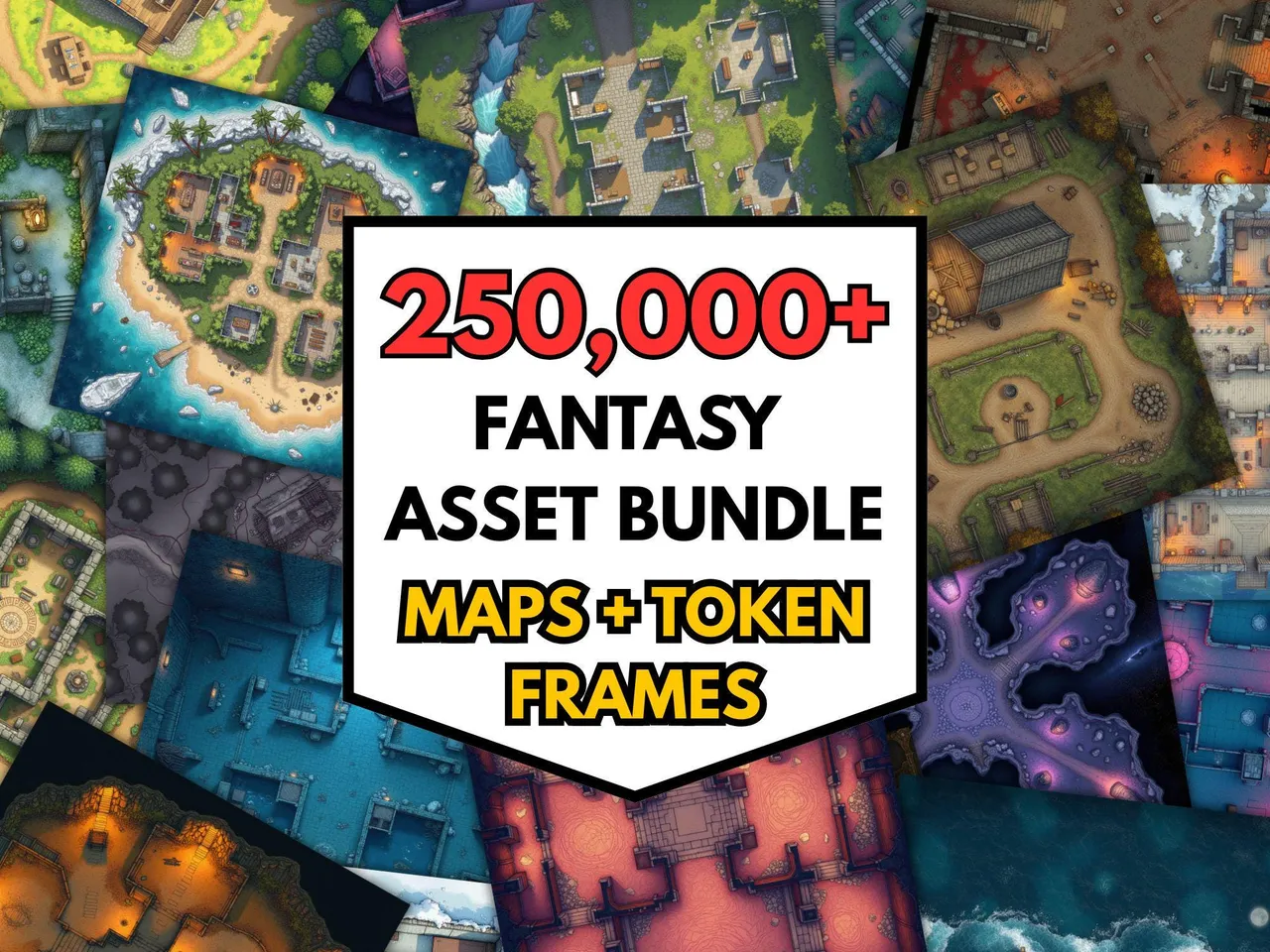
Because the same files work in both, the smart move is to buy your maps once and stay platform-agnostic. The 250,000+ RPG Battlemaps Mega Bundle ($40 $12.00) is high resolution and gridless, so it drops straight into Roll20 or Foundry and prints clean for an in-person table. Whichever VTT you land on, you won’t be re-buying maps to match it.
Test both platforms with free maps. The free battlemap pack is enough to trial an import in Roll20 and Foundry side by side before you commit to either, and it costs nothing to find out which workflow you prefer.
Frequently asked questions
- Is Roll20 or Foundry better for battlemaps?
- Foundry generally handles battlemaps more powerfully — dynamic lighting, fog and large images are included and smooth — but it needs a one-off purchase and a bit more setup. Roll20 is easier to start with and browser-based, but its best map features sit behind a subscription. For a map-heavy game, most experienced DMs prefer Foundry; for a quick, no-install game, Roll20 wins.
- How much do Roll20 and Foundry cost?
- Foundry is a one-time purchase (around $50) with no subscription — you pay once and host games forever. Roll20 is free to start, but dynamic lighting, larger storage and other map features require a monthly Plus or Pro subscription. Over a long campaign, Foundry usually works out cheaper.
- Do I need different battlemaps for Roll20 and Foundry?
- No. Both accept standard image files, so one gridless, high-resolution map library works in either. Gridless matters because both VTTs apply their own grid; a map with a grid baked in causes the doubled-grid alignment problem. Buy gridless maps once and they drop into whichever platform you choose.
- What resolution should battlemaps be for VTT?
- Aim for 70 pixels per grid square as a baseline (so a 30x30 map is about 2100x2100 pixels), with higher-resolution versions for sharp zoom. Both Roll20 and Foundry work at this scale; Foundry handles very large images more comfortably, while Roll20 free accounts have tighter file-size limits.
- Where can I get battlemaps that work in both Roll20 and Foundry?
- MakeMythic on Etsy sells a 250,000+ battlemap mega bundle that's high resolution and gridless, so the same files import cleanly into Roll20 or Foundry, or print for in-person play.
Keep reading
From the shop
Battlemaps, spell cards, and magic item cards, ready to print.
Browse MakeMythic on Etsy →