The best VTT for D&D in 2026: Roll20 vs Foundry vs Owlbear
Roll20, Foundry VTT and Owlbear Rodeo compared for D&D 5e — setup cost, prep time, automation, and which one actually suits your table.
Every “best VTT” comparison turns into a feature table, and feature tables are close to useless here, because the platforms are not competing on features. They are competing on how much of your week you want to spend on prep.
That is the axis that actually predicts whether you will still be using a platform in six months.
Owlbear Rodeo: the least software
Owlbear Rodeo does the least on purpose. You upload a map, drag tokens onto it, and play. There is no character sheet automation, no dice macros wired into stat blocks, no module ecosystem.
Choose it if your group plays theatre-of-the-mind most of the time and just wants a shared visual when a fight starts, or if you are running a one-shot with people you will not play with again, or if setup time is the thing most likely to kill your game.
Do not choose it if you want the VTT to track hit points, resolve attacks or manage spell effects. It will not, and that is the design.
The underrated advantage is that nobody has to learn anything. Send a link, players are in. For a group with one enthusiastic DM and four casual players, that asymmetry matters more than any feature.
Roll20: the default
Roll20 is where most people’s first online game happens, and there is a good reason it holds that position: it is in the browser, it has a free tier, and the character sheet handles most of 5e without you configuring it.
Choose it if you want a middle path — real character sheets and dice integration, but no installation and no module management. Also if your players are the kind who will not install software.
Do not choose it if you want deep automation of conditions, effects and lighting. Roll20 does these things; Foundry does them better.
The practical friction points are storage limits on the free tier and dynamic lighting sitting behind a subscription. Neither is fatal — plenty of long campaigns run entirely free — but they are the two things people hit.
Our guide to adding custom tokens in Roll20 and Foundry covers the import workflow for both.
Foundry VTT: the most control
Foundry is a one-time purchase made by the GM, with players joining free. Over a two-year campaign that is the cheapest of the three by a distance.
What you get for it is control. Lighting and vision are genuinely excellent out of the box. The module ecosystem automates almost anything you can name — conditions applying themselves, spell templates, automated saving throws, animated effects.
Choose it if you enjoy setting things up, run a long campaign, and want the VTT to carry mechanical load so you can concentrate on the table.
Do not choose it if troubleshooting a broken module the night before a session sounds like a bad evening. That is the real cost, and it is not in any feature comparison.
The honest framing: base Foundry is easy. Foundry-with-twenty-modules is a hobby. Both are valid, but be clear which one you are signing up for. Our Foundry battlemap import guide covers the part everyone hits first.
What does not differ: your assets
Whatever you pick, all three take standard image files. A battlemap is a JPG or WebP. A token is a transparent PNG. Grid alignment is the only step that differs meaningfully, and every platform has a tool for it.
This is genuinely useful, because it means asset purchases are platform-independent. Maps and tokens bought today survive a switch from Roll20 to Foundry in a year, which is not true of platform-specific content.
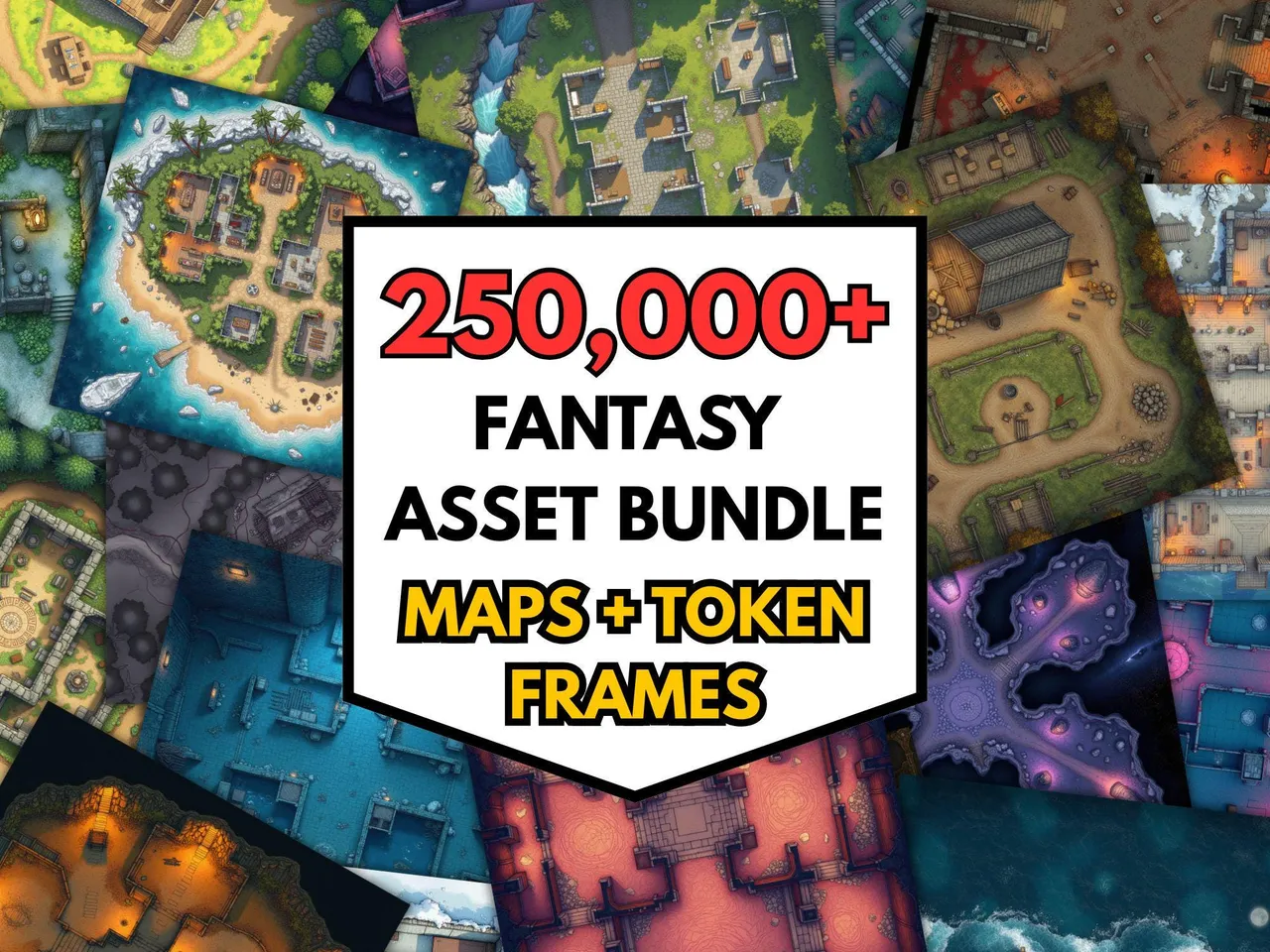
If you are preparing maps for any of the three, the free grid overlay tool puts a correctly scaled grid on any image, and the fog of war tool handles reveal for platforms that do not do it for you.
The hybrid case
Plenty of groups are not fully online any more. They run a VTT some weeks and a physical table others, which changes the calculation.
For hybrid tables, the deciding factor is usually the display, not the platform — a map on a TV under the table, or a projector. A VTT can drive that, but so can a plain image viewer. Our guide to battlemaps on a TV or projector and the tabletop display tool cover that setup, and it is worth knowing you do not need a VTT licence to do it.
It also means your token library needs to work both on screen and printed, which is a real constraint when buying.
A short decision procedure
- Do you want the VTT to do rules maths for you? No → Owlbear. Yes → continue.
- Will your players install software and log into a self-hosted or hosted world? No → Roll20. Yes → continue.
- Do you find configuring software relaxing or annoying? Annoying → Roll20. Relaxing → Foundry.
That is it. Three questions, and it predicts satisfaction better than any feature list.
What nobody tells you
The best VTT is the one your table actually turns up to. A perfectly automated Foundry world nobody can log into loses to a shared map on Owlbear every single time.
Start with the simplest thing that supports the game you want, and only add complexity when a specific problem demands it. That is the same advice that applies to prep generally — and it is right for the same reason.
Test any platform for free. The free downloads page has a token pack and battlemaps you can import into all three VTTs, which is the fastest way to compare their upload and grid-alignment workflows without buying anything first.
Frequently asked questions
- Which VTT is best for D&D 5e?
- There is no single answer, and the honest split is by prep appetite. Roll20 is the lowest-friction option for players. Foundry gives the most automation and control if the DM is willing to set it up. Owlbear Rodeo is the fastest to start and deliberately does the least. Pick based on how much time you want to spend before the session, not on feature lists.
- How do the pricing models differ?
- Roll20 runs a free tier with optional subscriptions for storage and features. Foundry is a one-time purchase made by the GM, with players joining free. Owlbear Rodeo offers a free tier with a paid tier for extra features. Foundry's model works out cheapest over a long campaign; Roll20's is cheapest to try.
- Do players need to buy anything?
- Not on any of the three. In every case the DM carries the cost, whether that is a Foundry licence, a Roll20 subscription or nothing at all. Players join through a link or an account and pay nothing.
- Which VTT is easiest for a first online game?
- Owlbear Rodeo, by some distance. It is drag and drop, needs no installation and no module configuration, and does not try to automate rules. For a group that just wants a shared map with tokens on it, that is often all that is required.
- Can I use the same maps and tokens on all three?
- Yes. All three accept standard image files, so a JPG or WebP battlemap and transparent PNG tokens work everywhere. Only the grid alignment step differs. That means map and token purchases are portable even if you switch platforms.
- Is Foundry worth it if I am not technical?
- Increasingly yes, but be honest about the setup. Base Foundry is straightforward; the automation people rave about comes from modules, and modules need maintenance and occasionally break after updates. If troubleshooting sounds like a chore rather than a hobby, Roll20 or Owlbear will make you happier.
Keep reading
From the shop
Battlemaps, spell cards, and magic item cards, ready to print.
Browse MakeMythic on Etsy →