How to Make Your Own D&D Battlemap (Free and Paid)
How to make a D&D battlemap: free tools, paid map makers, grid scale and resolution, printing vs digital, and when buying a map pack beats building one.
Making a battlemap sounds like it needs art skills and expensive software. It doesn’t. Depending on how you play and how much time you have, “making” a map ranges from drawing squares on a mat to dropping a grid onto existing art in your browser. This guide walks the realistic options, the technical settings that matter, and the honest tradeoff between building maps and buying them.
The three ways to make a battlemap
1. Draw it (cheapest, in-person)
The oldest method still works. A wet-erase grid mat and markers lets you sketch a room as the party enters it, wipe it, and reuse it forever. Grid paper does the same on a budget. This is unbeatable for improvised, theatre-of-the-mind-adjacent play where you only need a rough tactical picture. The downside is no art and no reuse of detailed scenes.
2. Add a grid to existing art (fastest, free, digital)
This is the method most DMs underuse. You don’t need to draw a map — you need a gridded image. Take any suitable artwork, photo, or map you have the rights to use, and run it through a grid overlay tool to add a correctly scaled grid. Seconds later you have a table-ready battlemap, free. It’s the fastest path to a usable map if you already have the base image.
If you have one large map you want to split across multiple printed pages, or several tiles you want to join, our map splitter and map stitcher handle those jobs too.
3. Build it in a map editor (most control, slowest)
Tile-based map editors let you construct a scene wall by wall. The control is total and the results can be beautiful, but the time cost is real — building a campaign’s worth of maps this way is a hobby in itself. Worth it for a signature set-piece; rarely worth it for the tavern the party visits once.
The settings that actually matter
Whatever method you use, a few technical choices separate a map that works from one that frustrates everyone mid-session.
Scale. One grid square equals five feet, sized to one inch for physical play so standard miniatures fit. Get this wrong and movement maths breaks.
Resolution. For virtual tabletops, 70 pixels per square is the common baseline — a 30×30 scene is roughly 2100×2100 pixels — with 140 ppi packs giving sharper zoom. For printing, target at least 150 dpi at final size so the map stays crisp. Never upscale a small image; it looks fine zoomed out and turns to mush when players zoom in. We go deeper in battlemaps for Roll20 and Foundry.
Grid baked in or not. For VTTs, don’t bake the grid into the image — ship it gridless and let the VTT overlay its own, which avoids the pixel-perfect alignment headaches a baked grid causes. For printing or a flat TV, a baked grid is fine. For the full sizing logic, see how big a battlemap should be.
Make versus buy: the honest tradeoff
Here’s the part nobody tells new DMs. Making a map is free. Making all your maps is a second job. A campaign reuses a core set of a dozen-odd locations — taverns, forests, dungeons, roads — and building each from scratch is slow, repetitive work that doesn’t make your game any better.
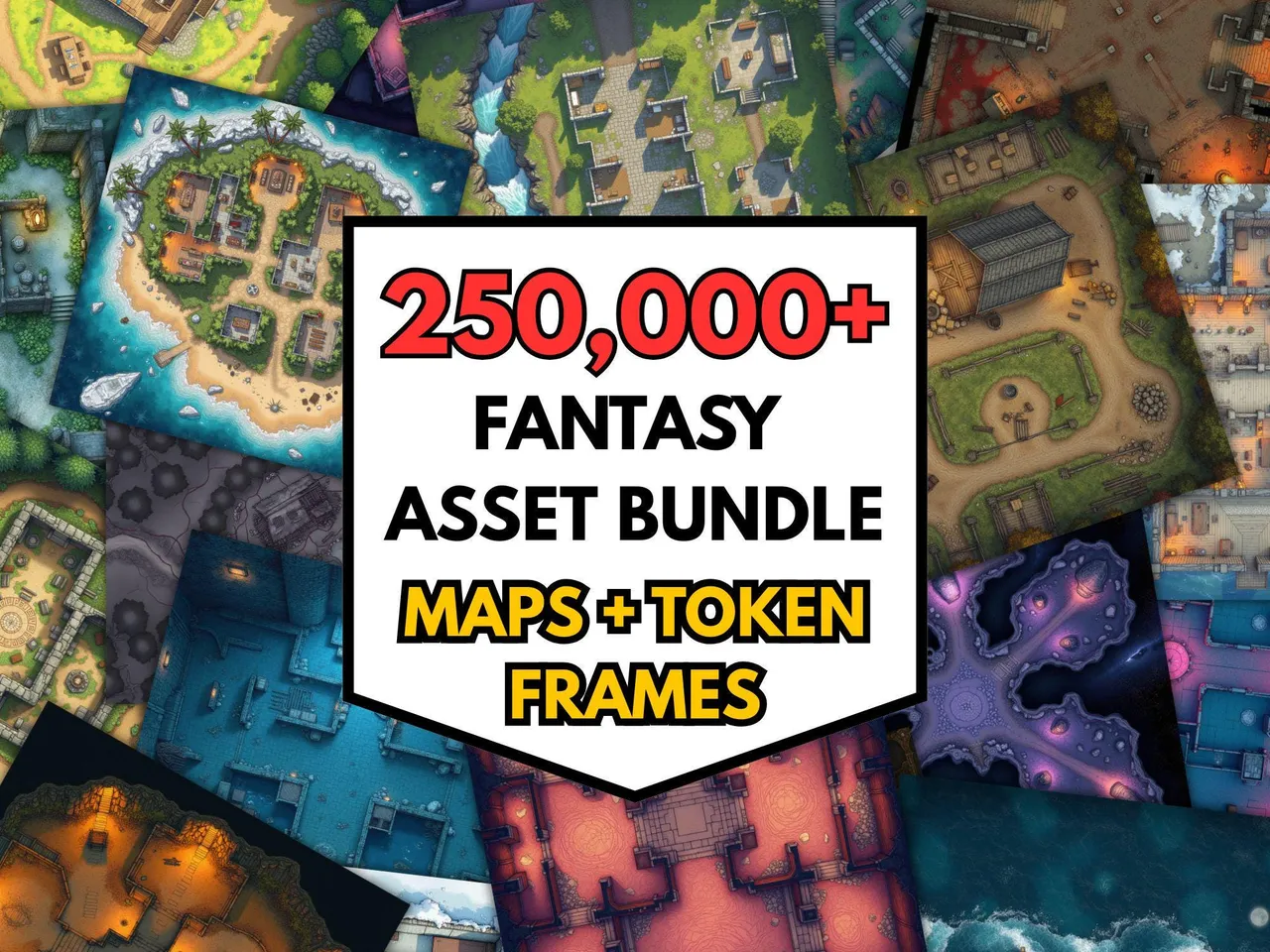
The pragmatic approach most experienced DMs land on: buy a broad library for the common locations, and make only the few bespoke maps your story genuinely needs. A large pre-made bundle costs a fraction per map of building or buying singles, and it means the unplanned detour never catches you without a map. You spend your limited prep time on the maps that are unique to your campaign, and let a library handle the generic tavern.
A workable setup
For most DMs the sweet spot is: a broad bought library for the everyday locations, a free grid overlay for turning any odd image into a map on the fly, and a wet-erase mat for true improvisation. That combination covers planned, unplanned, and bespoke maps without turning map-making into your whole prep. Then read how to use a battlemap as a new DM to run them well at the table.
Worth checking before you draw. Making a map is satisfying but slow, and it is worth knowing what a ready-made one feels like at your table first. The 100 free battlemaps cost nothing and will tell you quickly whether your effort is better spent drawing or elsewhere in prep.
Frequently asked questions
- How do you make a D&D battlemap?
- You can draw one on grid paper or a wet-erase mat, build one in a digital map maker like a tile-based editor, or take any image and add a grid with an overlay tool. Set the scale to one square per five feet, keep the resolution high enough to stay sharp, and export or print at the size your table uses.
- What is the best free way to make a battlemap?
- For digital play, a free grid-overlay tool turns any artwork or photo into a usable battlemap by adding a correctly scaled grid. For in-person play, a wet-erase grid mat and markers is the cheapest reusable option. Both avoid software costs entirely.
- What resolution should a battlemap be?
- For virtual tabletops, the common standard is 70 pixels per grid square, so a 30x30 scene is around 2100x2100 pixels, with some packs offering 140 ppi for sharper zoom. For printing, aim for at least 150 dpi at final print size so the map stays crisp on paper.
- Should a battlemap have a grid baked in?
- For virtual tabletops, no — use a gridless image and let the VTT add its own grid, which avoids alignment problems. For printing or a flat TV, a baked-in grid is fine and often easier, as long as the squares are sized correctly to one inch.
- Is it cheaper to make or buy battlemaps?
- Making a single map yourself is free if you have time, but building a full campaign's worth is slow. Large pre-made bundles cost very little per map and cover most locations instantly, so the cheapest option in time terms is usually buying a broad pack and making only the few bespoke maps you truly need.
- What software do I need to make battlemaps?
- You don't strictly need any. A browser grid-overlay tool plus existing artwork covers digital play with zero software. If you want to build from scratch, tile-based map editors exist, but for most DMs a mix of bought maps and a free overlay tool is faster than learning a full map editor.
Keep reading
From the shop
Battlemaps, spell cards, and magic item cards, ready to print.
Browse MakeMythic on Etsy →