How to Use a Battlemap as a New DM
A new DM's guide to using battlemaps: when to put one down, grid scale, placing minis and tokens, fog of war, and how to run combat on a map smoothly.
If you’re new to DMing, the battlemap can feel like one more thing to manage on top of rules, monsters, and a table of expectant players. It isn’t — used well, it makes combat easier, because nobody argues about who’s standing where. This guide covers the practical mechanics: when to use a map, how the grid works, how to move pieces, and how to keep it all moving fast.
What a battlemap is for
A battlemap solves one problem: keeping everyone’s mental picture of a fight identical. In theatre of the mind, you describe positions and players imagine them — which works fine until someone assumes they’re behind cover when they aren’t, or a fireball’s reach becomes a debate. The map turns all of that into something you can point at.
That’s also the clue for when to use one. Reach for a map when position changes the outcome: cover, flanking, chokepoints, difficult terrain, or area-of-effect spells. For a quick scrap in an open field, theatre of the mind is faster and you lose nothing. New DMs often think they need a map for every fight — you don’t.
The one-inch grid
Almost every battlemap uses a grid where one square equals five feet, and the physical standard is one inch per square so that 25–28mm miniatures fit naturally. Get this right and movement becomes trivial: a character with 30 feet of speed moves six squares.
How you hit one-inch squares depends on your setup:
- Printed maps and battle mats: the squares are already an inch — just print at full scale (no “fit to page” shrinking).
- TV laid flat: scale the image until an on-screen square measures one inch against a ruler. We cover this in battlemaps on a TV or projector.
- Virtual tabletops: align the map to the VTT’s grid rather than baking a grid into the image — see battlemaps for Roll20 and Foundry.
If a map you have doesn’t show a grid, our free grid overlay tool drops a clean one-inch grid onto any image.
Placing and moving pieces
Use one figure per creature. A Medium creature — most player characters and humanoid foes — takes a single square. Larger creatures take more: a Large ogre fills a 2×2 block. Move figures square by square as players spend movement, counting diagonals the way your table prefers (the simplest house rule is one square per diagonal).
For everything that isn’t a creature, use markers. A loop of string or a token shows a spell’s area; coloured rings or small tokens under a figure track conditions. You don’t need fancy minis to start — coins, dice, or printable paper miniatures and tokens all work.
Revealing the map with fog of war
You rarely want players seeing the whole dungeon at once. Fog of war keeps unexplored areas hidden and reveals them as the party moves. On a physical map you literally cover sections with paper or terrain and slide it back. On a digital display, a fog-of-war tool lets you paint over the map and uncover rooms as players reach them — which preserves the tension of not knowing what’s around the corner.
Keeping combat moving
The biggest new-DM trap is letting the map slow you down. A few habits prevent that:
- Set the scene before initiative. Put the map down, place the obvious terrain and enemies, and let players position before you roll initiative.
- Track turn order on the side. An initiative tracker keeps the round flowing so you’re not re-reading a scrawled list every turn.
- Don’t over-detail. Players only need to read the map, not admire it. A clear, legible map beats a gorgeous cluttered one every time.
Where to get maps without prepping for hours
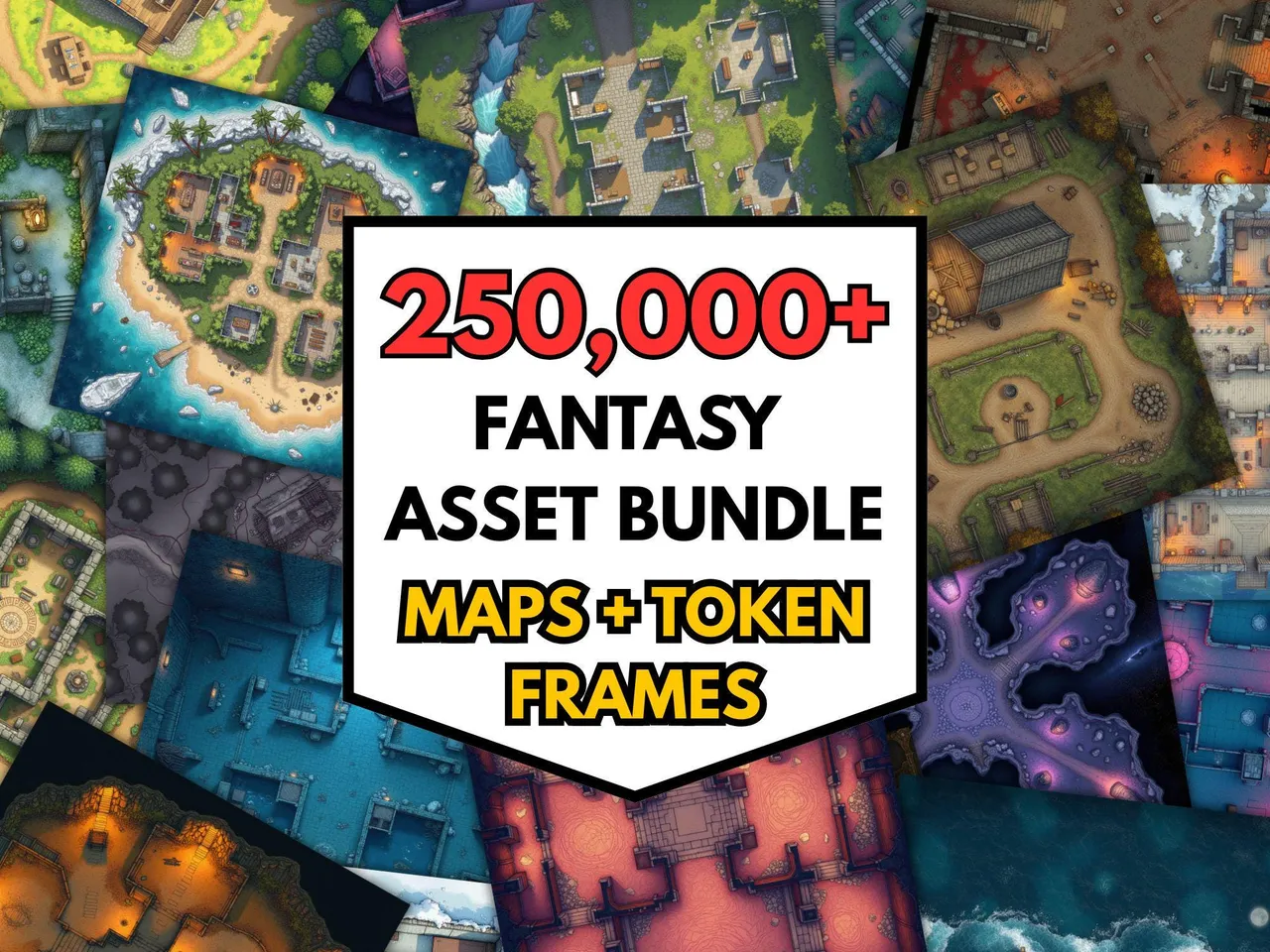
The single thing that makes battlemaps painless is having the right one ready. New DMs lose the most time hunting for “a tavern” or “a forest road” mid-prep, or worse, mid-session when the party goes somewhere unplanned. The fix is a broad library you can pull from instantly.
Start simple
You don’t need a perfect setup to begin. Print one map, grab some coins for minis, and run one tactical fight on a grid. Once you’ve felt how much smoother combat gets, add a TV or a VTT, fog of war, and a deeper map library. For more on what to display on, read how big a battlemap should be, and for the rest of your kit, the best free DM tools.
Start without spending anything. If you have never run a map before, the 100 free battlemaps cover a first dungeon, a tavern and a road ambush — enough to find out whether maps suit your table at all. The free downloads page has matching tokens and paper minis to put on them.
Frequently asked questions
- Do you need a battlemap to play D&D?
- No. Plenty of tables run combat in theatre of the mind, describing positions verbally. A battlemap helps most when fights get tactical — lots of creatures, area-of-effect spells, or terrain that matters — because it keeps everyone's picture of the scene identical and speeds up rulings.
- What size should a battlemap grid square be?
- One inch per square is the standard, because it matches 25–28mm miniatures and the 5-foot square D&D uses. On a printed map you want literal one-inch squares; on a TV or virtual tabletop you scale the image until an on-screen square measures one inch or aligns to the VTT's grid.
- How do I use a battlemap with minis or tokens?
- Place one figure per creature on the grid, each occupying a single square for a Medium creature. Move figures square by square as players spend movement, and use tokens or markers for spell areas and conditions. The map becomes the shared source of truth for who is where.
- When should a new DM put down a battlemap?
- Use one for tactical combat and skip it for roleplay or simple scenes. A good rule: if positioning will change the outcome — cover, flanking, area spells, chokepoints — put the map down. If the fight is two goblins in an open field, theatre of the mind is faster.
- How do I hide parts of a battlemap from players?
- Use fog of war: reveal only the areas the party can see and keep the rest hidden until they explore. On a physical map you cover unexplored sections with paper or terrain; with a digital display you use a fog-of-war tool that you uncover as players move.
- What's the easiest way to use battlemaps in person?
- Laying a TV flat in the table and displaying digital maps is the simplest modern setup — no printing, instant map changes, and easy fog of war. A printed map or a battle mat with wet-erase markers also works and needs no screen.
Keep reading
From the shop
Battlemaps, spell cards, and magic item cards, ready to print.
Browse MakeMythic on Etsy →