Inkarnate vs Dungeondraft vs just buying maps
Inkarnate Pro is $25 a year and Dungeondraft is $30 once. Both are good. But making a battlemap takes an hour you might not have — here's how to decide.
There are two honest reasons to make your own battlemaps, and only one of them is about maps.
The first is that you need something specific that does not exist — a location central to your campaign, drawn to your layout, with the door where you said the door was. The second is that you enjoy it. Map-making is a genuinely satisfying hobby and plenty of DMs do it for its own sake.
If neither applies, you are about to spend several evenings learning software so you can spend an hour a week producing something you could have downloaded. That is worth knowing before you buy.
What the software costs
Inkarnate Pro is listed at $25 a year or $5 a month, unlocking the full asset library, unlimited maps and exports up to 8192 by 8192. There is a free tier with a smaller asset set. It runs in the browser, so there is nothing to install.
Dungeondraft is a one-time $30. Desktop software, no subscription, focused specifically on battlemaps.
Neither is expensive. That is not where the cost is.
Where the cost actually is
The learning curve. A few evenings before you produce anything you would willingly show players. That is normal for creative software and it is not a criticism — but it is real time, spent before you get a single usable map.
Time per map. Realistically 45 minutes to two hours for a map you are happy with. A quick functional one, 15 to 20 minutes. Multiply by a campaign’s worth of sessions and it is the single largest prep cost most DMs take on voluntarily.
It competes with your actual prep. The hour spent placing trees is an hour not spent on the encounter, the NPCs or the thing the party will actually remember. Our guide to prepping a session in 30 minutes is fairly blunt about which prep pays off, and map-making is rarely at the top.
Which tool, if you are making them
Dungeondraft for tactical battlemaps. Better wall, floor and lighting handling, built specifically for the encounter-scale map with a grid. If battlemaps are the goal, this is the more focused tool and the one-time price makes it the easier commitment.
Inkarnate for world, region, city and overland maps. Browser-based, no install, and much stronger at the zoomed-out scale. If what you want is a campaign map for your players, this is the one.
Plenty of people own both, because they genuinely do different jobs. Neither replaces the other.
The case for just buying them
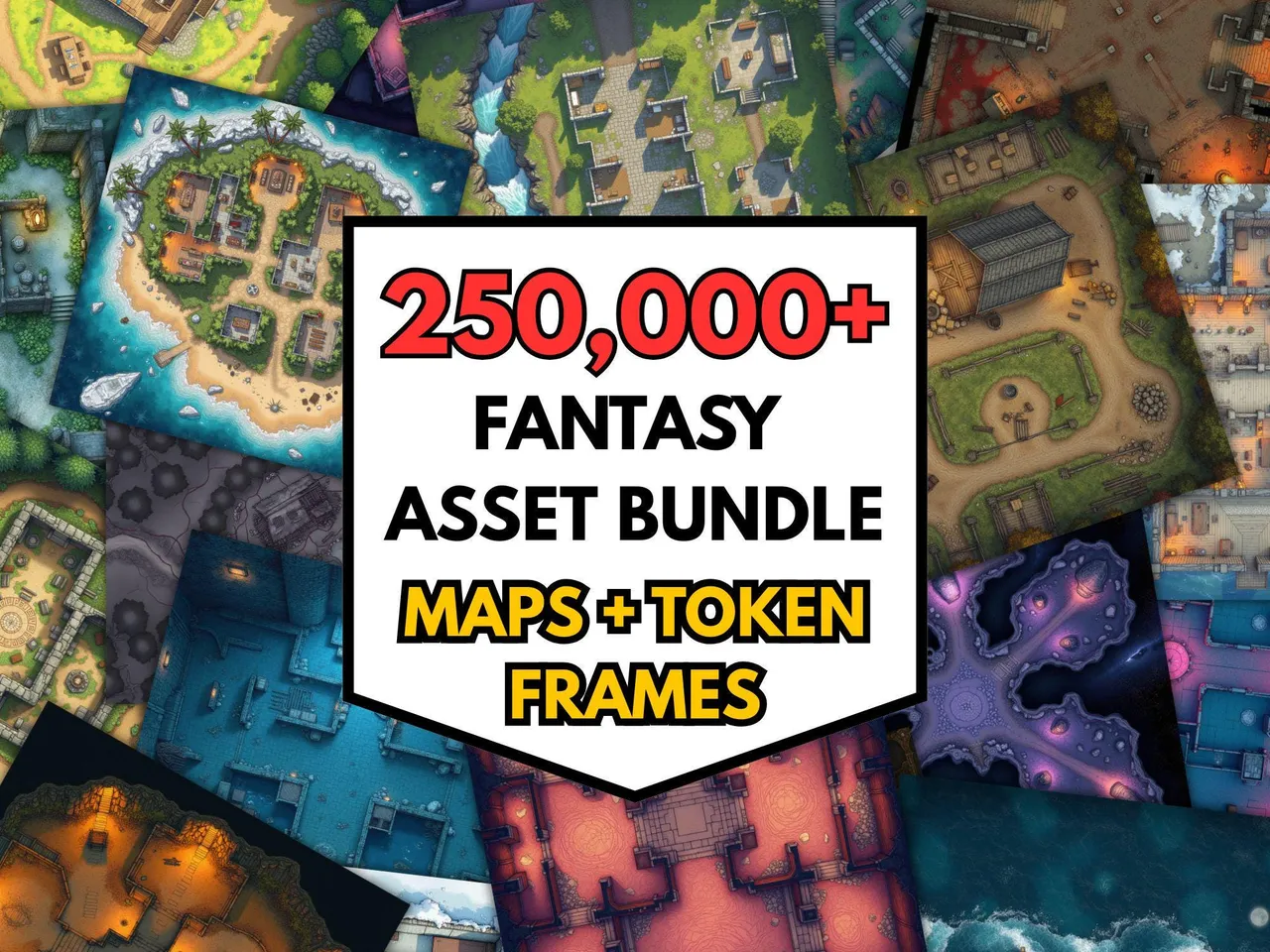
A large pre-made library changes the question from “can I build this?” to “what is closest?” — and the answer is usually “close enough that nobody notices.”
That matters most for the maps you did not plan. The party goes somewhere unprepped, and you need something in ninety seconds, not ninety minutes. Coverage across biomes, interiors, dungeons, cities and ships is what makes that possible, and it is exactly what map-making software cannot give you under time pressure.
The honest limitation: a bought map is somebody else’s layout. If the door needs to be on the north wall because that is what you told your players three sessions ago, you are editing or improvising.
You can do both, cheaply
The pragmatic setup most DMs land on:
- Buy for coverage. The generic tavern, forest clearing, dungeon corridor, city street — all the maps that are basically interchangeable.
- Make for signature locations. The party’s base. The villain’s lair. The three or four places that recur and need to be exactly right.
That is maybe four custom maps a campaign, which is a reasonable amount of time to spend, rather than one a week.
Editing a bought map is easier than people think
Most of what people assume requires map software does not:
- Adding or fixing a grid — the free grid overlay tool scales a grid to any image in about a minute.
- Splitting a big map for printing — the map splitter tiles it across sheets.
- Joining maps together — the map stitcher handles it.
- Hiding areas until explored — the fog of war tool.
- Getting it on a screen at the right scale — the tabletop display tool.
None of those need Dungeondraft, and all of them are free.
The decision
Enjoy making maps? Buy the software. It is cheap and the hobby is its own reward — this comparison does not really apply to you.
Need a specific recurring location? Make that one, buy the rest.
Just need maps on the table each week? Buy a library. The software cost is trivial; the hour per map is not, and you will run out of enthusiasm before you run out of sessions.
More on assembling a usable set in building a D&D battlemap library, and if you want the physical option, Book of Battle Mats vs digital covers that route. If you do decide to draw your own, how to make your own D&D battlemap is the starting point.
Try pre-made before buying software. The honest test is whether a ready-made map is good enough for your table. Run three sessions off the 100 free battlemaps first — if nobody minds, you have saved yourself both the software cost and the hour per map.
Frequently asked questions
- How much does Inkarnate cost?
- Inkarnate Pro is listed at $25 a year or $5 a month, which unlocks the full asset library, unlimited maps and higher-resolution exports up to 8192 by 8192. There is a free tier with a reduced asset set.
- How much does Dungeondraft cost?
- Dungeondraft is a one-time purchase listed at $30, with no subscription. It is desktop software focused specifically on battlemaps rather than world or region maps.
- Which is better for battlemaps, Inkarnate or Dungeondraft?
- Dungeondraft is the more focused battlemap tool, with better wall, floor and lighting handling for tactical encounter maps. Inkarnate is stronger for world, region and city maps and runs in the browser with nothing to install.
- How long does it take to make a battlemap?
- Realistically 45 minutes to two hours for a good one, once you know the software. A rough functional map can be done in 15 to 20 minutes. The learning curve is a few evenings before you are producing anything you would show players.
- Is it cheaper to make maps or buy them?
- Buying is cheaper in time by a wide margin, and often in money too once you count the software. Making maps wins when you need something specific that does not exist, or when you enjoy the process as a hobby in its own right.
- Can you edit a purchased battlemap?
- Yes, in any image editor, and for most purposes you do not need to. Adding a grid, cropping, splitting for printing or masking areas for fog of war are all quick jobs with free tools and do not require map-making software.
Keep reading
From the shop
Battlemaps, spell cards, and magic item cards, ready to print.
Browse MakeMythic on Etsy →